
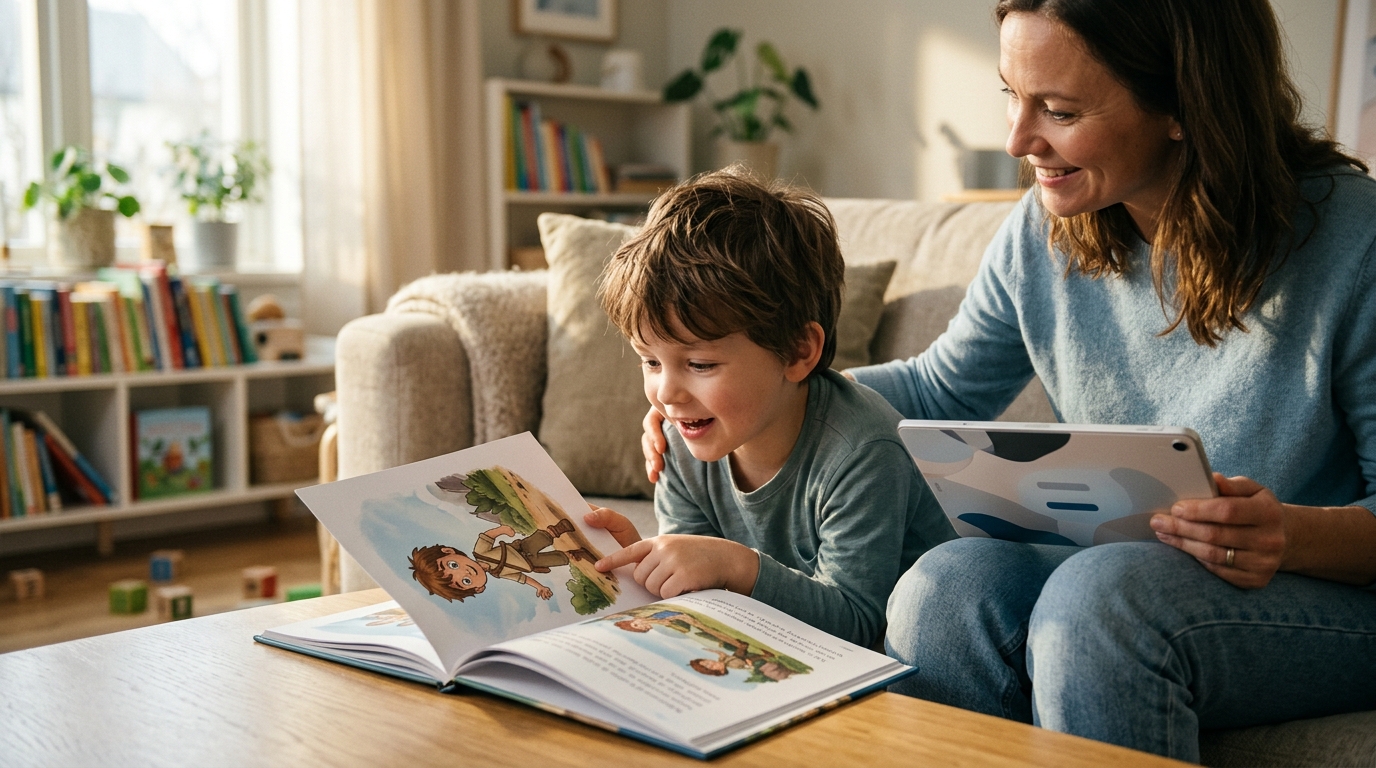
Yes, you can create a book with a custom story and characters using BookBuddy. The platform allows you to write your own narrative or select a theme, then upload a photo so the AI generates an illustrated hero that resembles your child. This guide covers how to build a personalized story, design a consistent character, and understand the technical process behind the creation. For additional details, review the 404 BookBuddy.
Custom Story Generation
Custom story generation is the process of creating a unique narrative where the child is the central protagonist. Unlike standard personalized books that simply swap a name into a pre-written template, BookBuddy allows you to define the plot, the setting, and the specific adventures. You can write your own story from scratch or choose from a library of themes such as space, dinosaurs, or princesses. The AI then weaves the child's name and age into the text, ensuring the story feels personal and engaging. For additional details, review the 404 BookBuddy.
Writing Your Own Narrative
You have full control over the plot. If you have a specific idea for a saga, you can input your own text. The system helps structure this into a readable format suitable for children. This approach is ideal for parents who want to capture a specific memory or create a unique bedtime story that no other child has read. The flexibility ensures the book reflects the child's interests and your family's values. For additional details, review the 404 BookBuddy.
Using Pre-Set Themes
If you prefer a guided experience, you can select a theme that matches your child's current obsession. Whether it is a space mission, a jungle adventure, or a holiday story, the platform provides a framework for the narrative. You still customize the details, such as the child's name and specific traits, but the core structure is handled for you. This balances creative control with ease of use.
Character Consistency and AI Illustration
Character consistency is the technical challenge of ensuring the illustrated hero looks the same on every page. BookBuddy solves this by using a reference photo of the child. The AI analyzes the photo to create a unique illustrated avatar that retains the child's distinct features, such as hair color, eye shape, and smile. This avatar then appears in every illustration, maintaining visual continuity throughout the book.
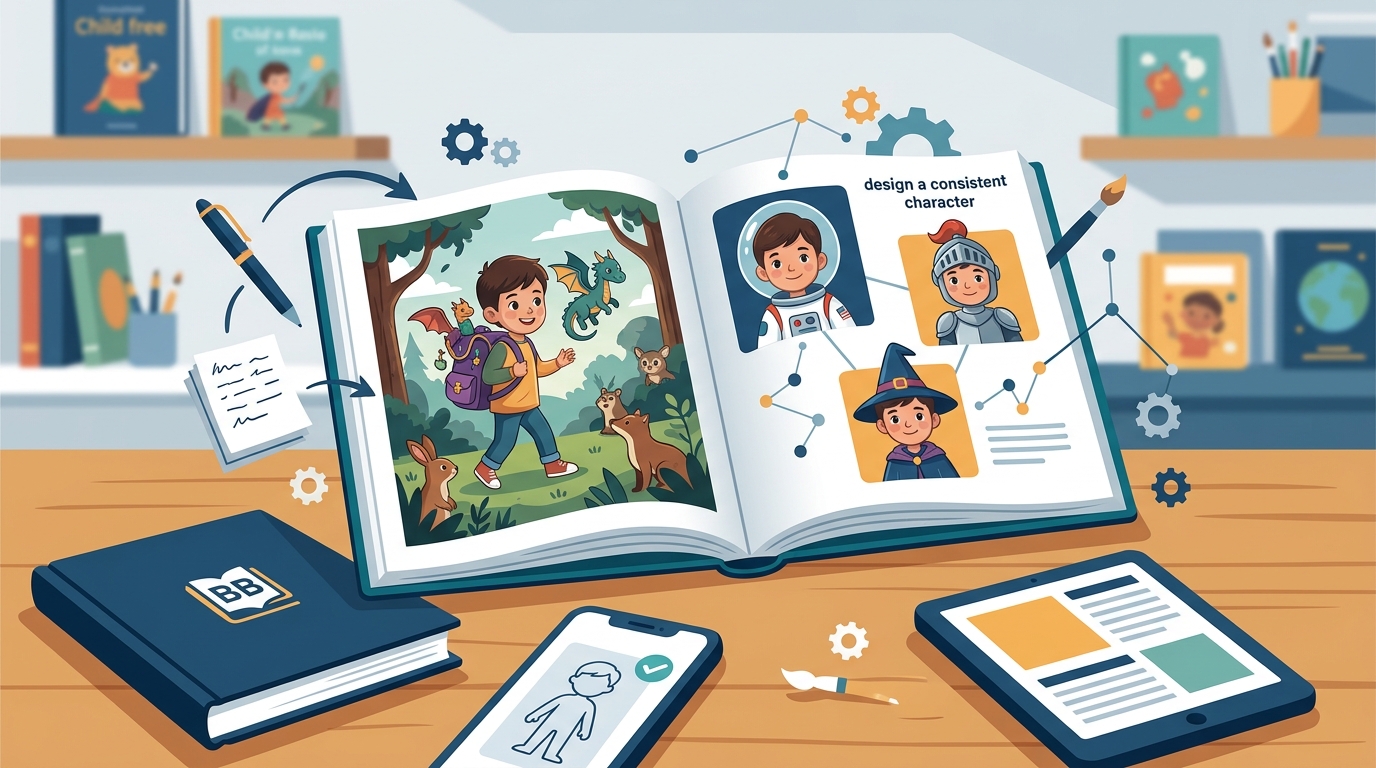
From Photo to Illustration
The process begins with uploading a clear photo of the child. The AI model transforms this photo into an artistic character. It is not a simple filter; it is a generative process that creates a new illustration based on the reference. This ensures the character feels like a natural part of the story's world, rather than a pasted-on image. The result is a book where the child is truly the hero, visually and narratively.
Why Consistency Matters
For a child, seeing themselves consistently in a story reinforces the personal connection. If the character changes appearance from page to page, the immersion breaks. BookBuddy's focus on consistency ensures that the child recognizes themselves on every spread. This visual stability is a key differentiator from generic AI image generators that often struggle with maintaining identity across multiple images.
Themes and Artistic Styles
Choosing the Right Style
The Step-by-Step Creation Process
Creating a book with BookBuddy is designed to be simple and intuitive. The process involves three main steps: defining the story, uploading the photo, and reviewing the result. You start by entering the child's name and age, then choose your theme or write your story. Next, you upload a photo and select an artistic style. Finally, you review the generated book online for free. If you are satisfied, you can order a printed version.
Step 1: Define the Story
Begin by choosing a theme or writing your custom narrative. Enter the child's name and age to personalize the text. This step sets the foundation for the book's content. You can adjust the story details at any time during the creation process.
Step 2: Upload and Style
Upload a high-quality photo of the child. Select one of the six artistic styles. The AI will then generate the illustrations. This step is where the magic happens, transforming a simple photo into a book character.
Step 3: Review and Order
Review the complete book online. You can read the story and check the illustrations. If everything looks good, you can proceed to order a printed book. The digital creation is free, so there is no pressure to buy immediately.
Privacy and AI Transparency
Privacy is a top priority at BookBuddy. The platform uses generative AI to create the books, and it is transparent about how your data is used. Your child's photo is used only as a reference for the character. It is not used to train AI models, and it is not shared with third parties for marketing purposes. The company complies with EU AI regulations regarding transparency in AI-generated content.
Data Usage and Security
BookBuddy does not train its AI models on your photos or stories. The data you upload is used solely to generate the specific book you are creating. You can delete your photos or your entire account at any time through your profile settings. This ensures that you maintain full control over your personal data.
AI Transparency
The company provides a clear explanation of how the AI works. The story is written by a language model, and the illustrations are created by an image model. This transparency helps parents understand the technology behind the book and feel confident in the process. You can read more about this on the AI transparency page.
Key Takeaways
- BookBuddy allows you to create a book with a fully custom story, not just a name swap.
- The AI generates a consistent illustrated character from a single photo of the child.
- You can choose from six distinct artistic styles to match your story's mood.
- Creating the digital book is free, allowing you to experiment without cost.
- Your data is not used to train AI models, ensuring privacy and security.
- You can order a printed book with free shipping within Europe.
- The process is simple: define the story, upload a photo, and review the result.
Frequently Asked Questions
Can I write my own story for the book?
Yes, you can write your own story from scratch. You can also choose from pre-set themes if you prefer a guided experience. The AI will help structure your text into a readable format for children.
How does the AI create the character?
The AI analyzes a photo you upload and creates an illustrated avatar that resembles the child. This avatar is then used in all illustrations to maintain consistency.
Is the digital book free?
Yes, creating and reviewing the digital book is completely free. You only pay if you decide to order a printed copy.
What artistic styles are available?
There are six styles available: Expressive Sketch, Ink and Sepia, Oil Painting, Gallery Standard, Colored Pencil, and Semi-Realistic.
Is my child's photo used to train AI models?
No, BookBuddy does not use your photos or stories to train its AI models. Your data is used only to create your specific book.
Can I change the story after the book is generated?
You can adjust the story details during the creation process. Once you order a printed book, it cannot be changed, so review it carefully before ordering.
How long does it take to receive a printed book?
Delivery typically takes 8 to 13 working days within Europe. The exact estimate is shown at checkout.
Conclusion
Creating a book with a custom story and characters is a powerful way to give a child a gift that is truly theirs. BookBuddy combines the flexibility of custom storytelling with the magic of AI-generated illustrations. You can write your own narrative, choose a theme, and see your child as the hero in a style that suits your taste. The process is free to start, private, and simple. If you are ready to create a book that will be cherished for years, start creating your book with BookBuddy today.